


logo

EYEVISION PHOTOGRAPHY

UX / UI DESGIN

Final Project 2022

EYEVISION PHOTOGRAPHY

UX / UI DESGIN

Final Project 2022

EYEVISION PHOTOGRAPHY

UX / UI DESGIN

Final Project 2022

Project Overview

This is my personal project for the UX course at Jumpin.
It is a website project for an existing photographer business named Eyevision Photography. It was founded by Avi Deree and aimed mainly for couples and portrait photos.

MENTOR: Raphael Menachem

ROLE

UX research

UX designer

UI designer

TOOLS
Figma
Affinity Photo

Affinity Publisher​
TIME LINE

3 months

ROLE

UX research
UX designer
UI designer

TOOLS
Figma
Affinity Photo
Affinity Publisher​
TIME LINE

3 months

The Challenge

The user side: Avi’s types of photoshoots usually involve payment after the session because users see photoshoots session as a service and not a product and they used to paying for a service after they received it. In a photo session, the users want to be sure the session went well and the photographer understood them, their emotions, thoughts, and what is important to them that will be communicated through the photographs before they pay.

The business side: Avi is a photographer in addition to another day job and he is not always free for long conversations with his customers.
Avi has low selling skills, he wants to grow his photography business, strengthen his personal brand, and quit his day job.

My challenge was to design a website that would make users see a photo session as a custom product and not a service so that they would feel natural booking and paying for a session through the website. The site should feel like a boutique store with a perfect experience for users, which will emphasize Avi’s uniqueness and be reliable enough for users to feel safe placing an order.

My challenge was to design a website that would make users see a photo session as a custom product and not a service so that they would feel natural booking and paying for a session through the website. The site should feel like a boutique store with a perfect experience for users, which will emphasize Avi’s uniqueness and be reliable enough for users to feel safe placing an order.

Research

My research was about understanding the market and the needs of the potential users. I combined online research and interviews.

Competitors research

To get a better understanding of my market, I analyzed competitors and found this:

♦   The photography market is flooded and there are a lot of choices for customers

   At the same time, each photographer has a personal style and a specialization

♦   All photographers have a photo gallery on their website to display their photographs

♦   Not many photographers present a pricing list

♦   It is rare to find an online booking process on photographers’ websites

♦   Photographers don’t have a prints shop on their website

User research

I made qualitative interviews to understand what motivates users to make a decision and to look for a photographer. What are the users needs in the process of booking a professional photographer for photos, what drives them to take the action, and what are their pain points during the process.

Insights

From the interviews I created an affinity map to spot common patterns and characteristics of the users and produced the following insights:

1

People today want photos not just for documentation of events, but for telling a story for the future generation

2

Users need to have high trust in the service provider before buying service online

3

Transparency is very important for users, and they prefer as much information as possible before they buy online

1

People today want photos not just for documentation of events, but for telling a story for the future generation

2

Users need to have high trust in the service provider before buying service online


3

Transparency is very important for users, and they prefer as much information as possible before they buy online

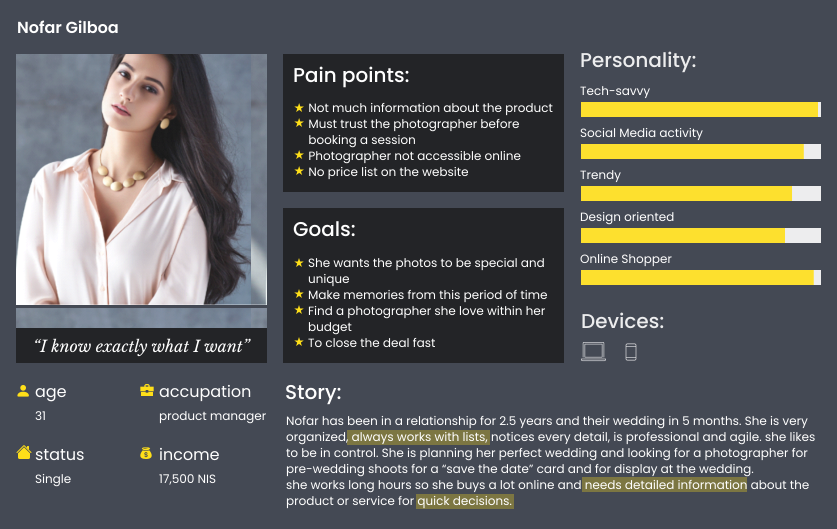
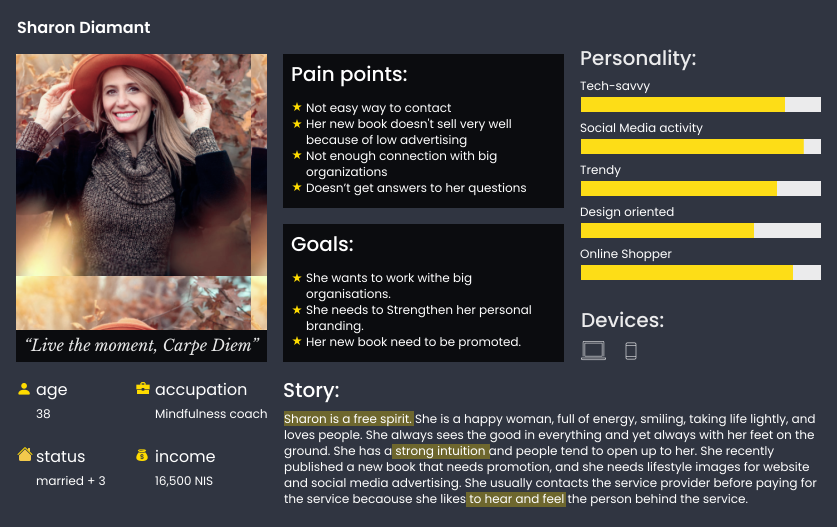
Persona Development

The research and insights provided me with sufficient information to create the user personas that helped me clarify their personality, pain points, and goals.

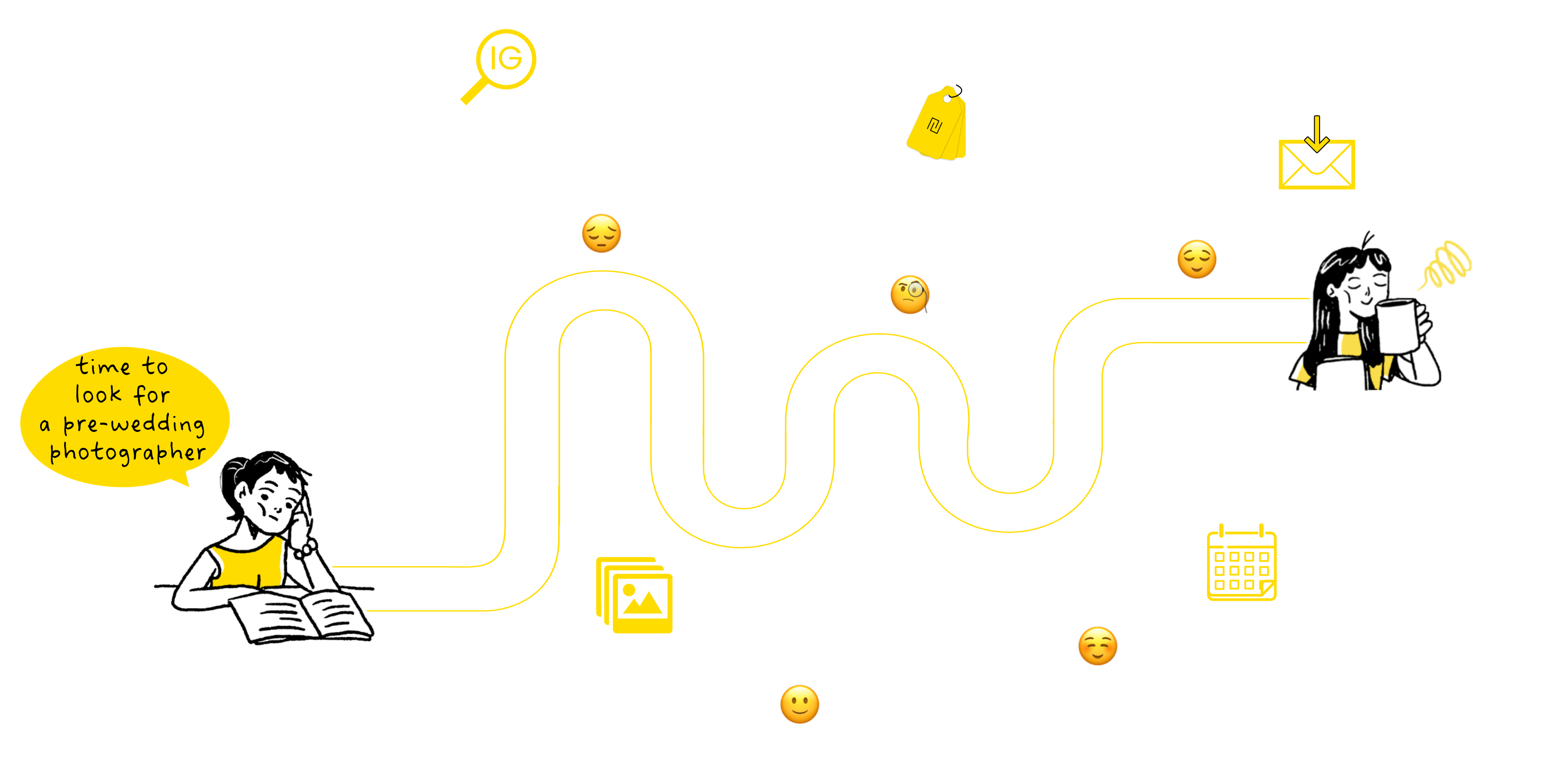
Happy User Journey

Based on my personas’ stories, goals, and pain points, I mapped out a user journey to better understand the users’ full experiences through the process of successfully achieving their goals and identify issues that may not turn up in the research.
Starting with the decision of looking for a photographer, and finishing with booking a session and paying. 

The Solution

Taking into consideration the research and insights, I came up with a solution that solves most of the users’ problems.

The solution includes these features and systems:

A Responsive Website​
All the information the user needs to make a decision
Online booking and payment system
Reminder system for the sessions
Ability for Social media sharing of the images
Smooth and easy online booking process
Whatsapp Chat for personal connection
Online prints shop to strengthen his personal brand

The Solution

Taking into consideration the research and insights, I came up with the solutions that solve most of the users’ problems:

A Responsive Website​
All the information the user needs to make a decision
Online booking and payment system
Reminder system for the sessions
Ability for Social media sharing of the images
Smooth and easy online booking process
Whatsapp Chat for personal connection
Online prints shop for strengthen his personal brand

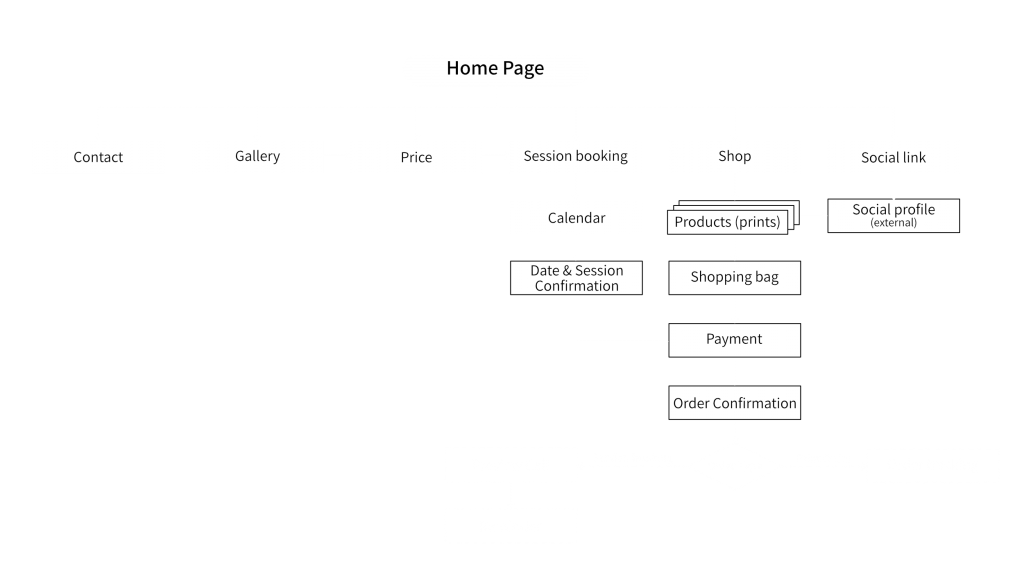
Information Architecture

With all the solutions in mind, I formed a structure of the website that will help user focus on their goals and experience a smooth and easy process.

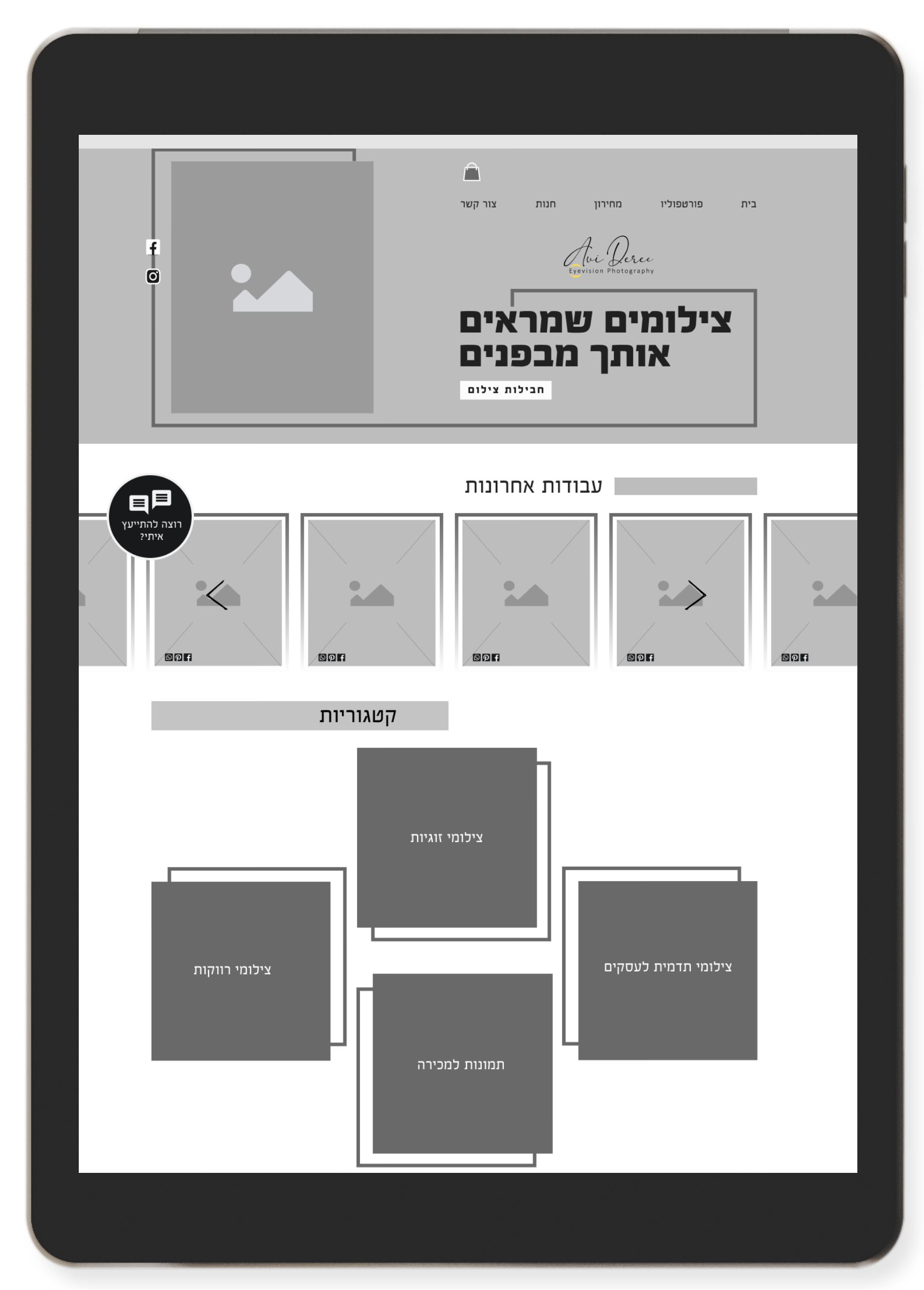
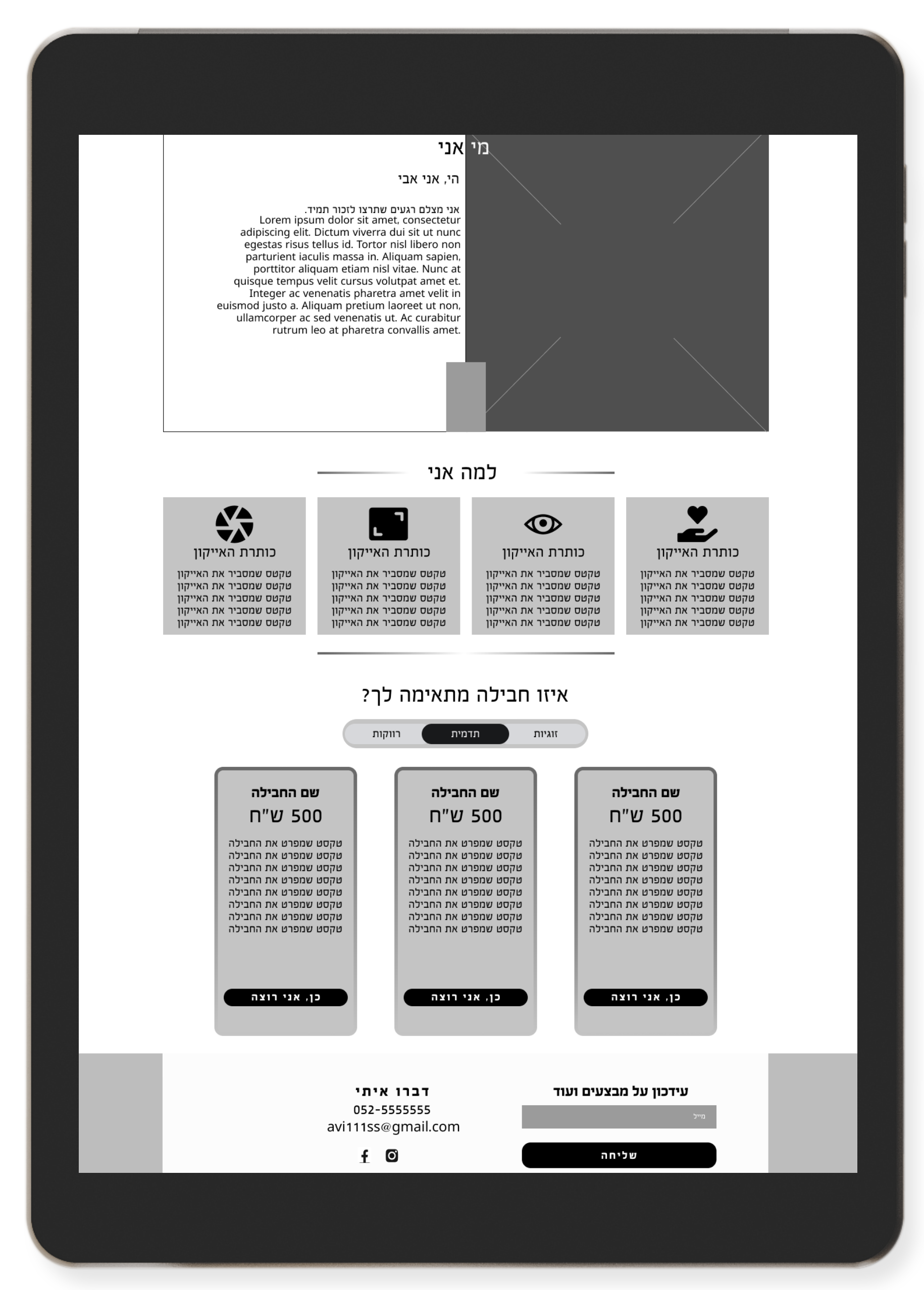
Wireframes

When creating the wireframes I wanted to produce a website that will solve the problems and needs of my personas. My challenge was to create it as informative, clear, and easy to use. 

Usability Testing

Now that I have the wireframes I created a prototype and let 4 users, who match the personas, test it to uncover usability issues with the design.

The test revealed a few issues:

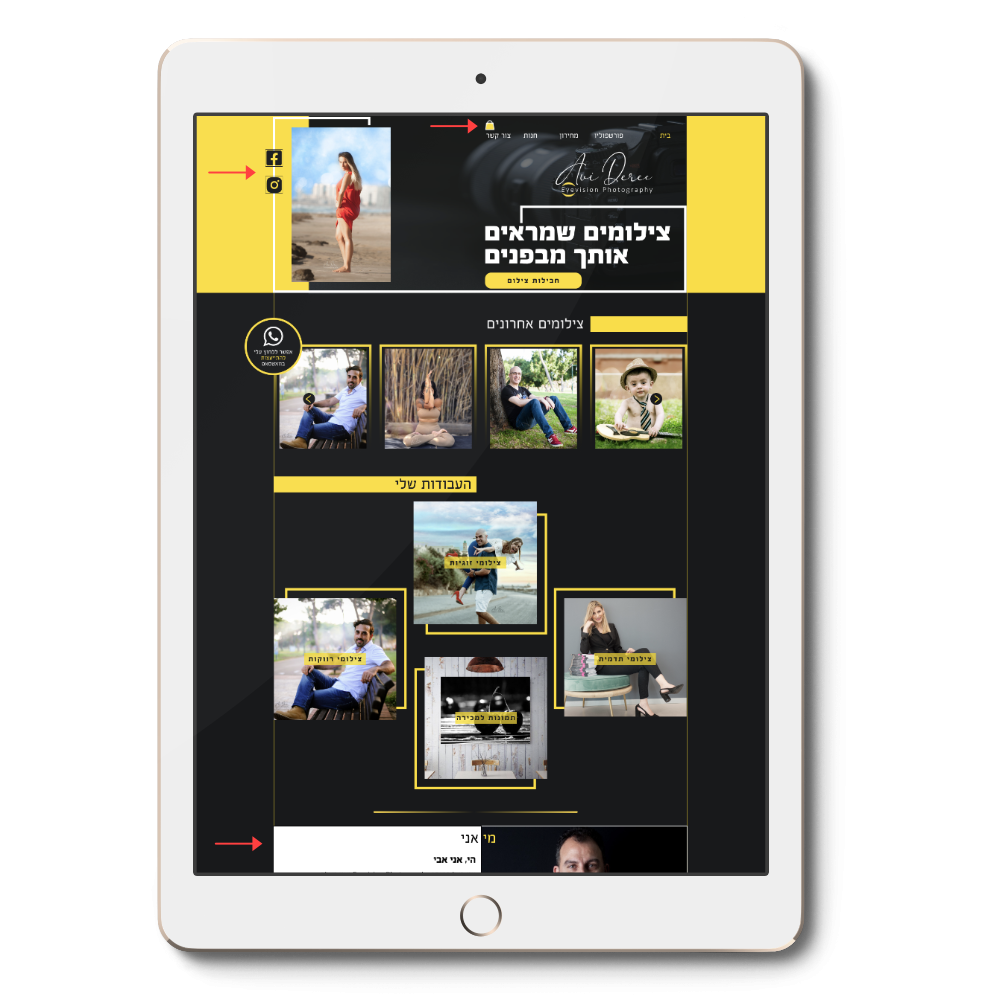
  The main menu was not clear about the difference between the price list and the store.

– I changed the name of the price page to “Package Price”.

The location of the shopping cart icon was disconnected from the menu and wasn’t understood.

– The shop is not the main goal of this site so I deleted the icon and leave a place near the “store” to add a number of items in the cart.
  The links to Avi’s social media at the top of HP were not highlighted enough.

– I added a background in different colors to highlight them.

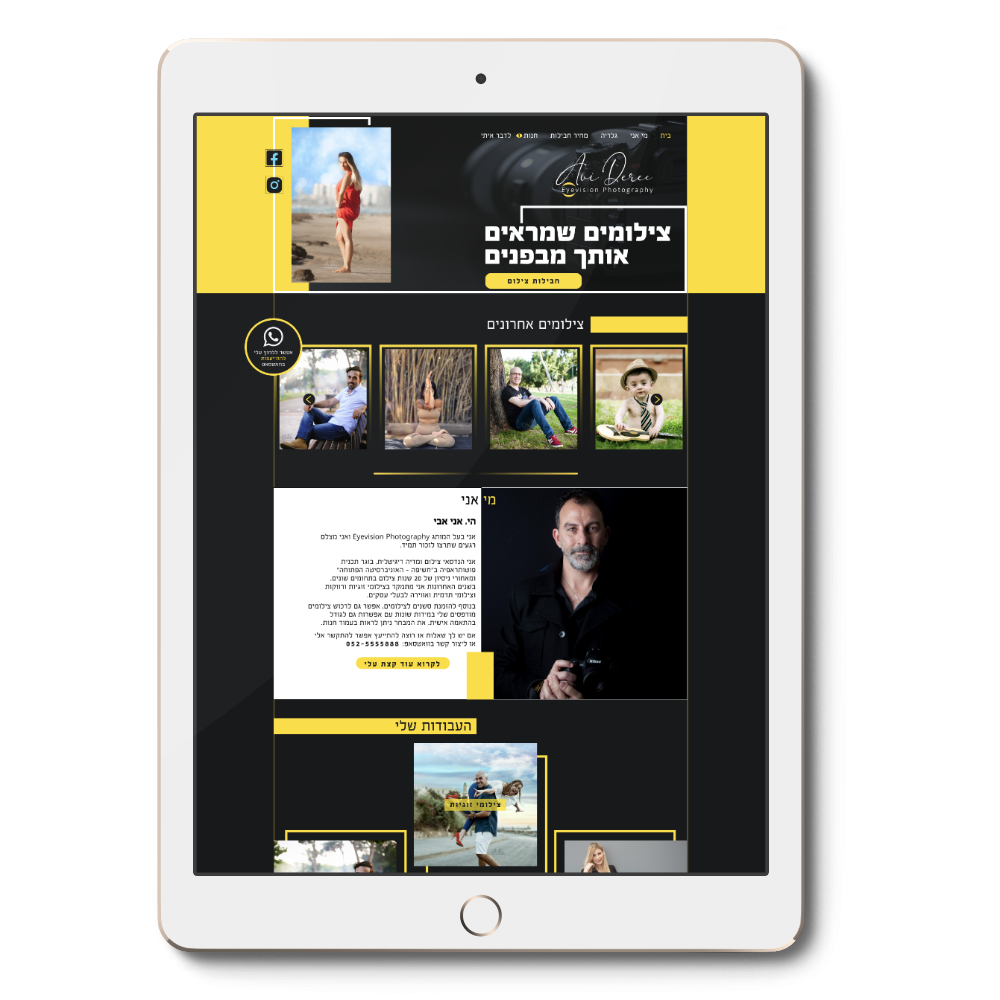
  The “about me” section on HP was too down and users needed to scroll much to find it and read who is Avi.

– I moved this section to the top of the home page.
Before
After

Before

After

UI Design

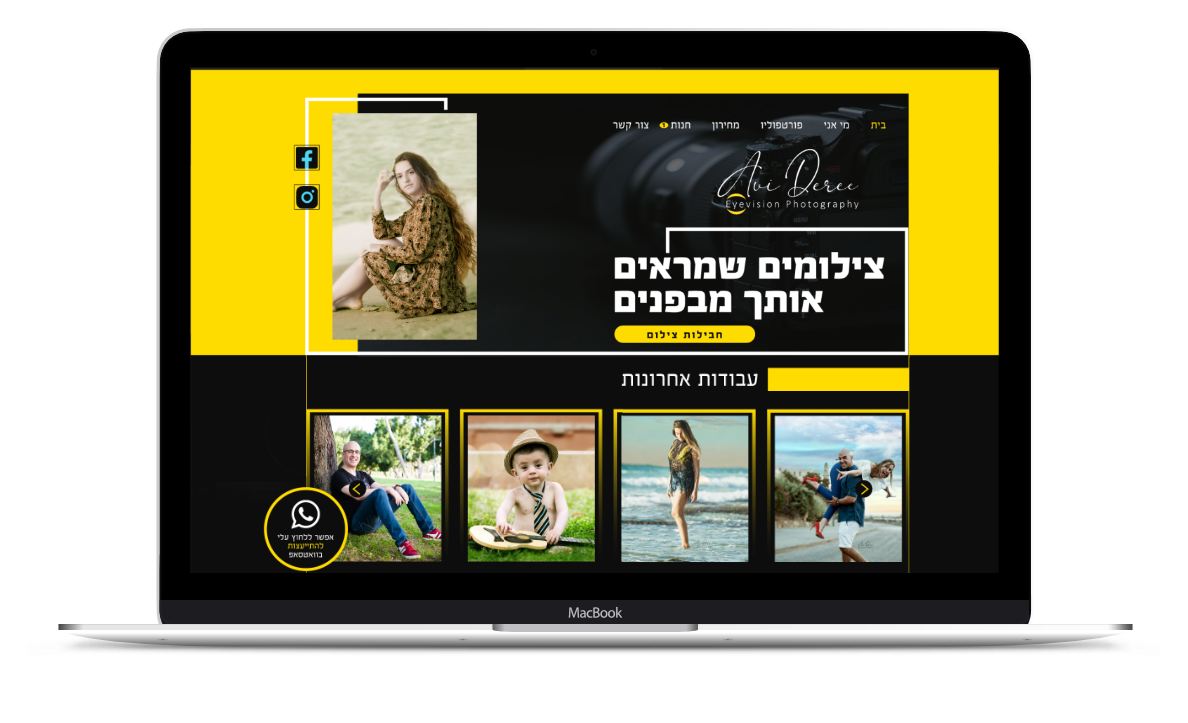
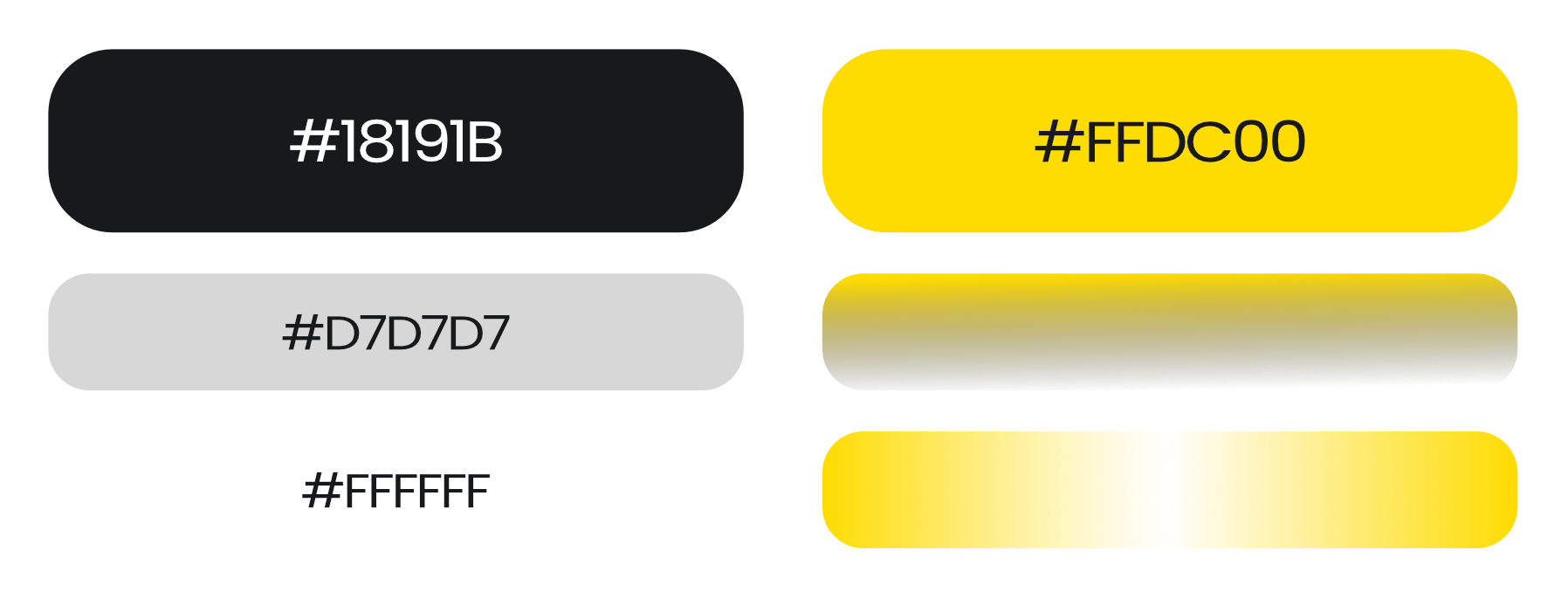
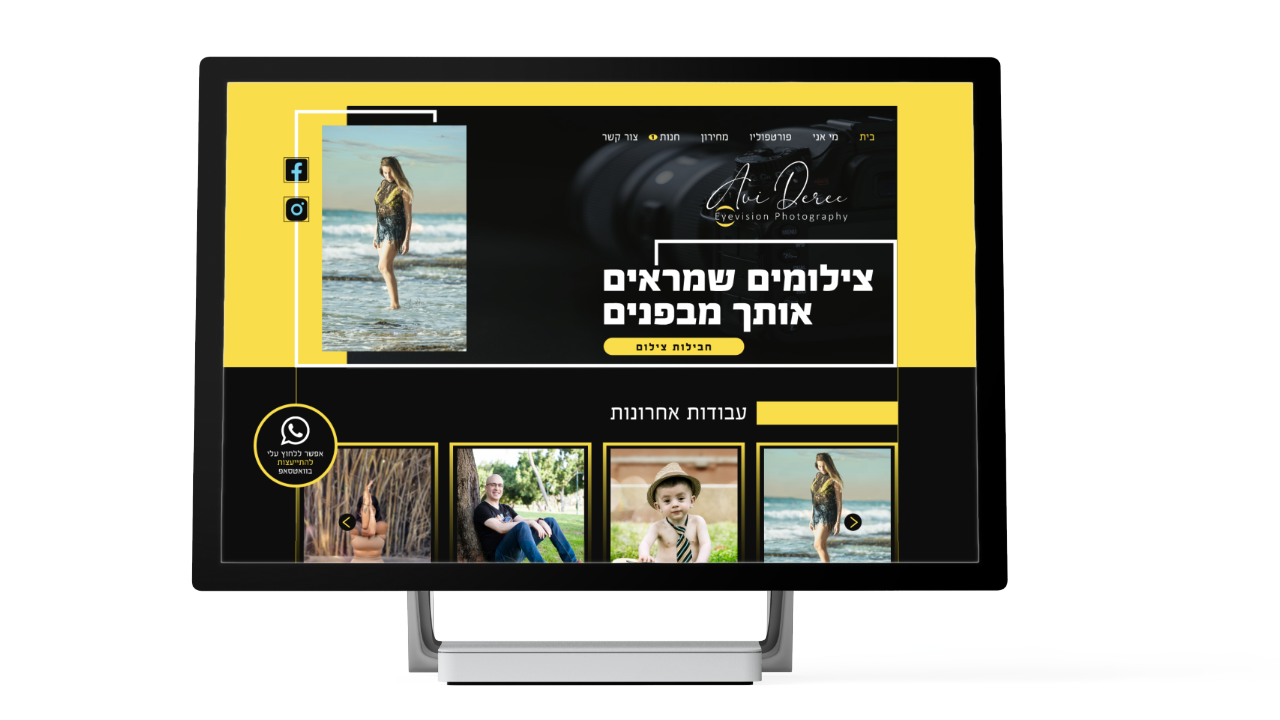
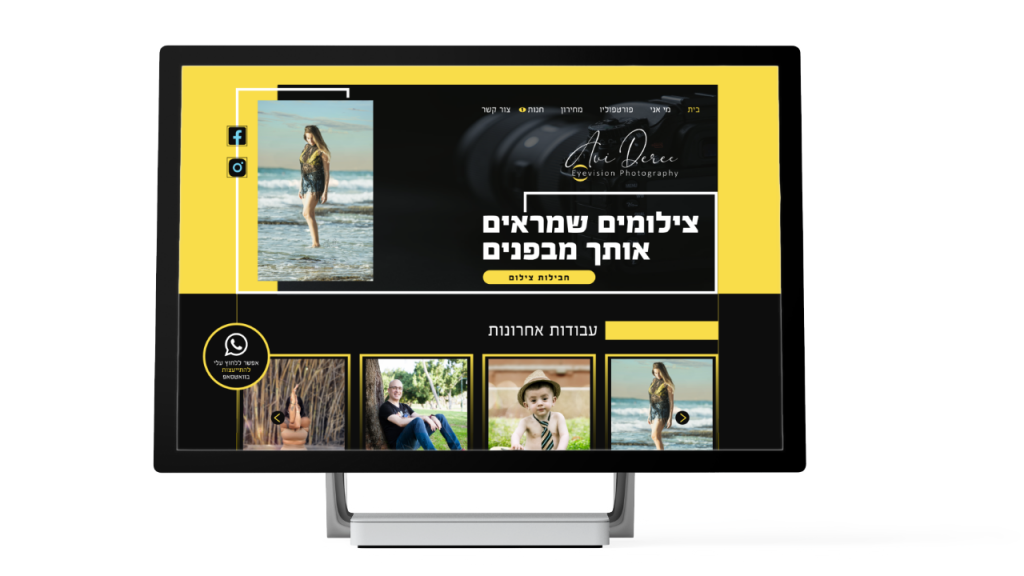
When I thought about the graphic language, I wanted the website to be different and intriguing, to attract attention and stand out from other photographers’ websites. All the competitors’ websites I saw were in light mode, so I decided to use a dark mode website. I wanted it to feel sophisticated, energetic, elegant, and stylish. Also, since Avi’s photos are vivid they could stand out in a dark mode background. I used white to emphasize content, and for CTA buttons I used the yellow color from Avi’s logo.

COLORS
LOGO
TYPOGRAPHY

FB Adrenalin

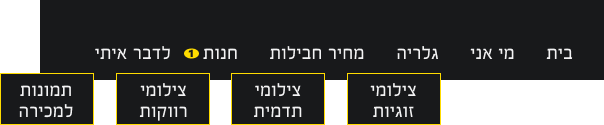
NAVIGATION
HP
All pages
Footer

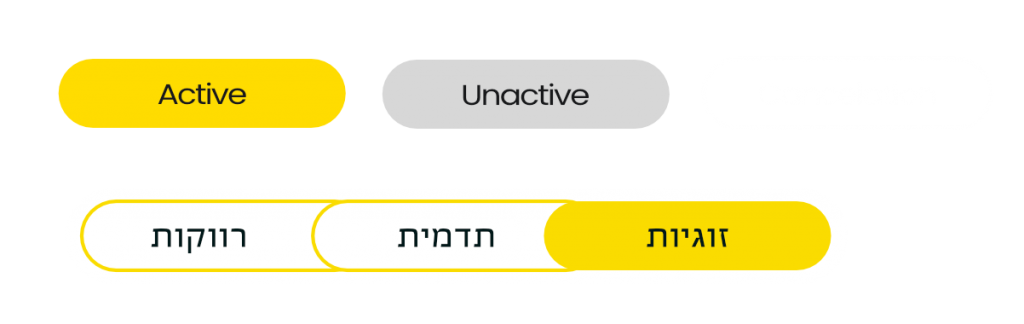
BUTTONS

INFOGRAPHIC

NAVIGATION
HP
All pages
Footer

BUTTONS

INFOGRAPHIC

The Final Project

Few screens from the project

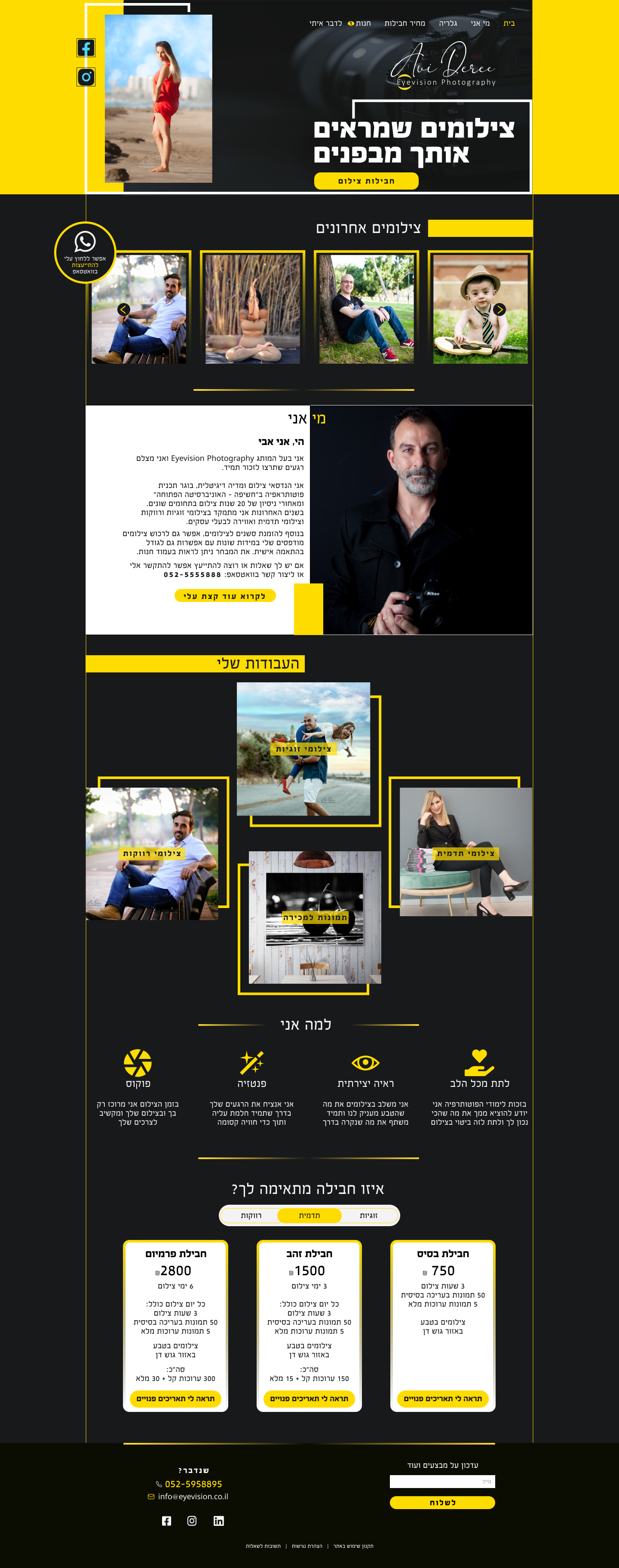
Home Page
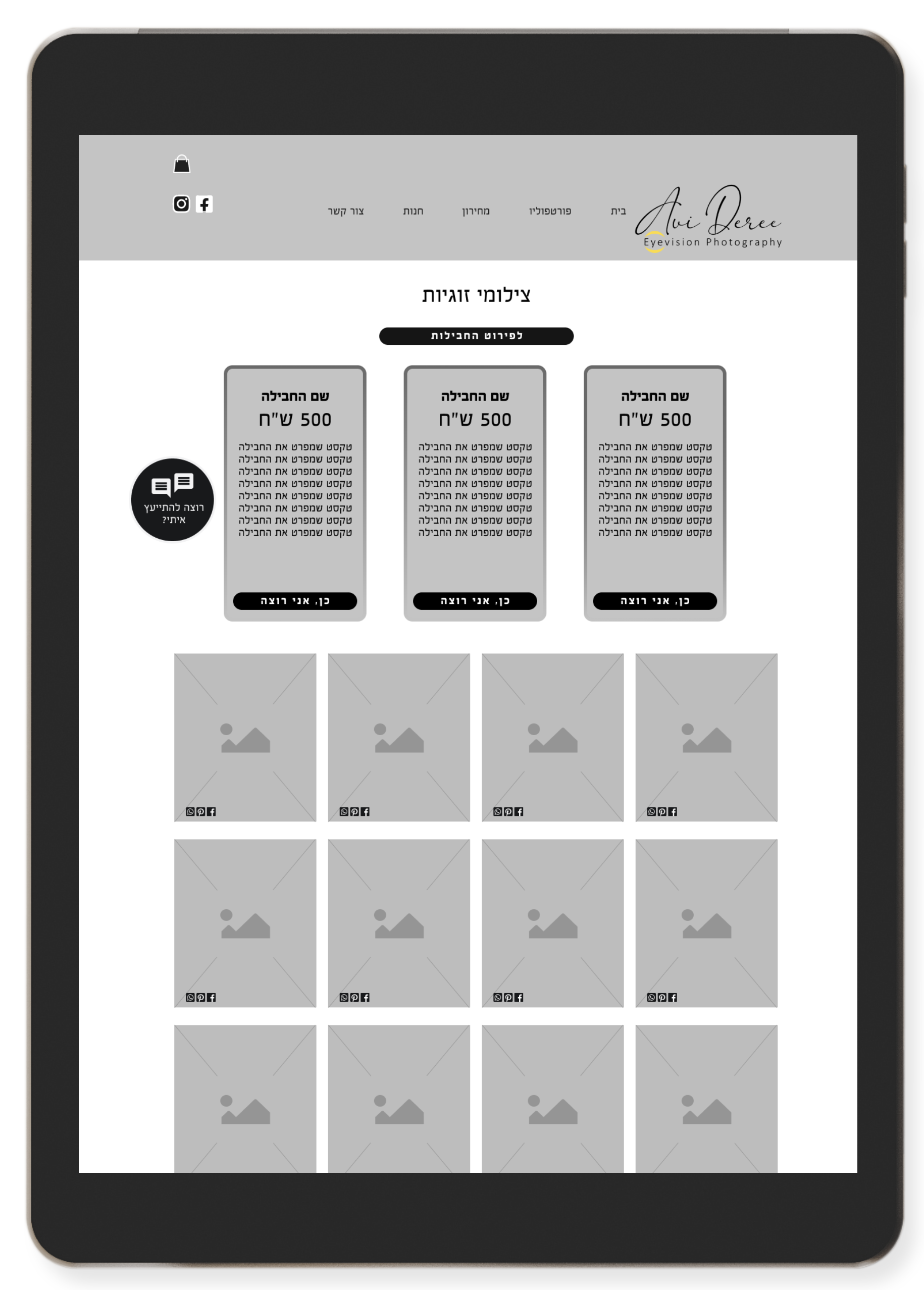
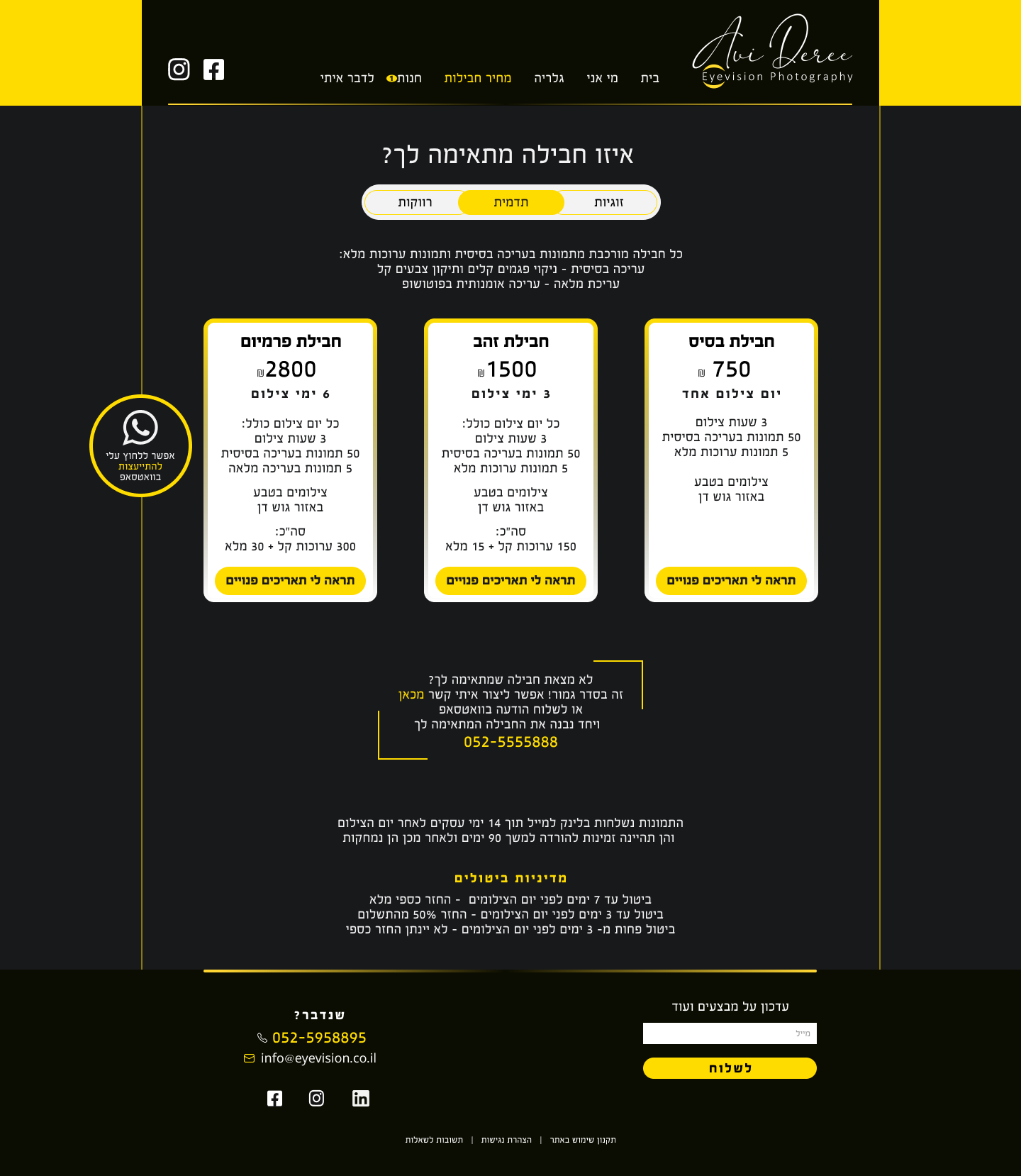
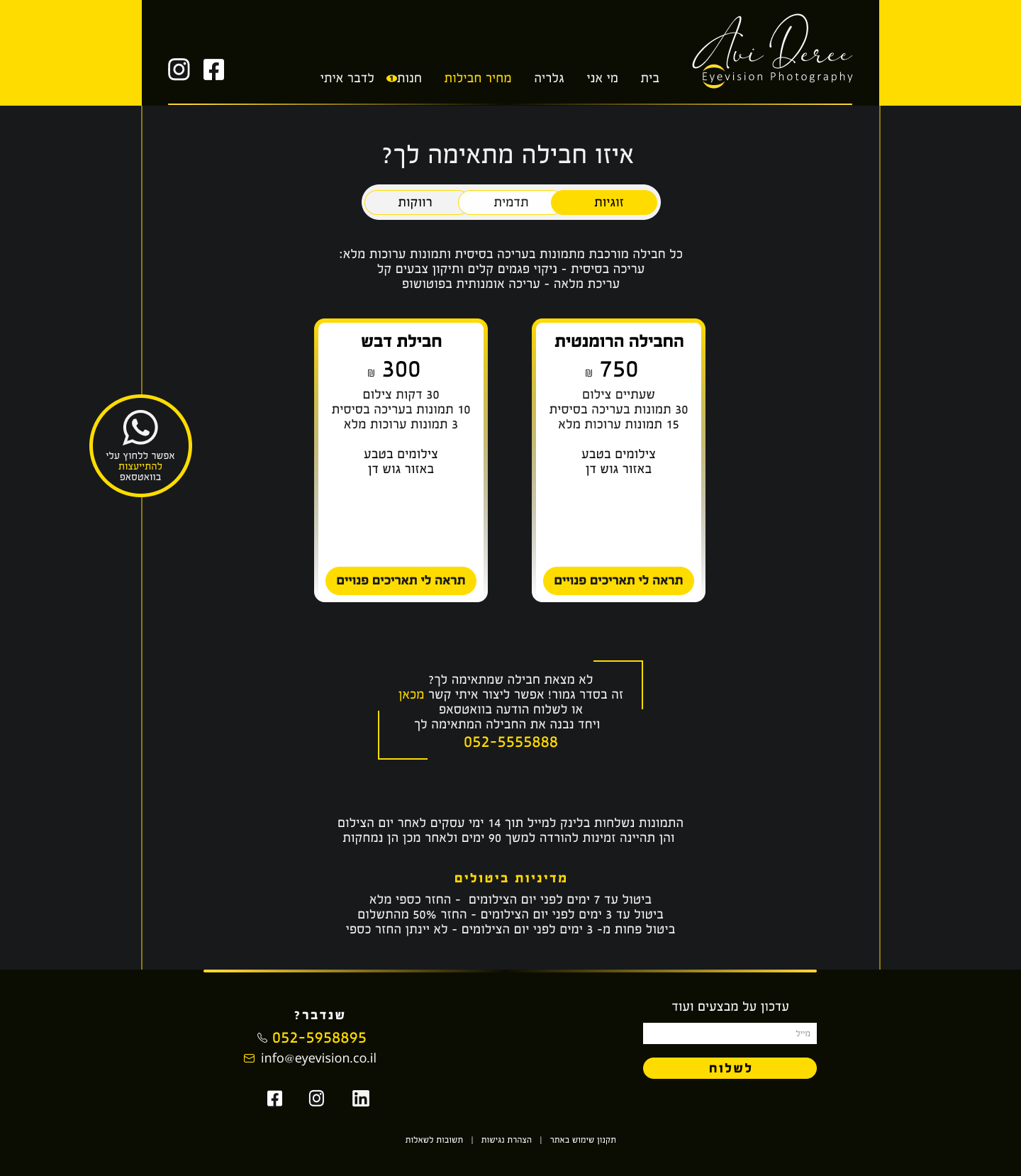
Price List
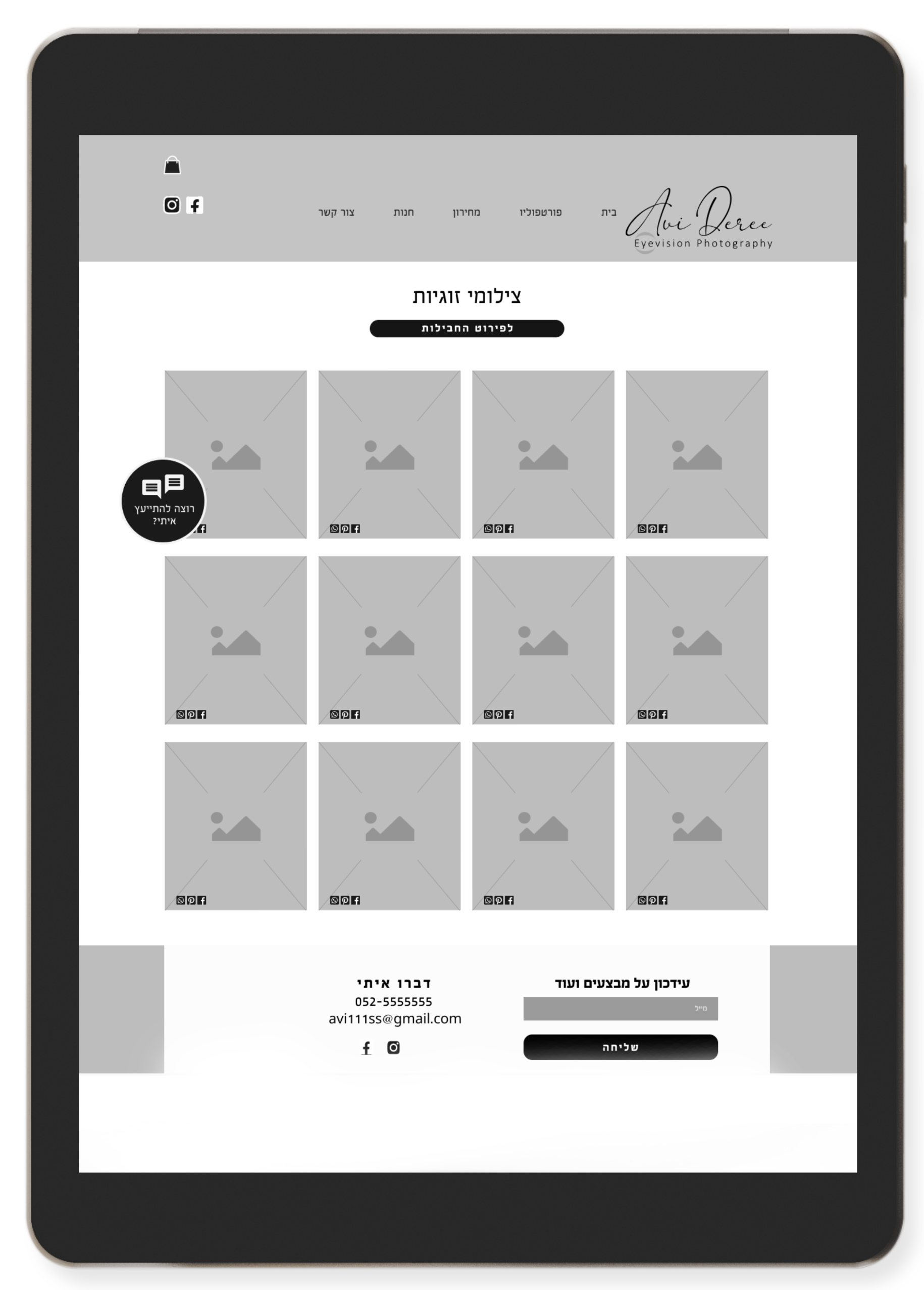
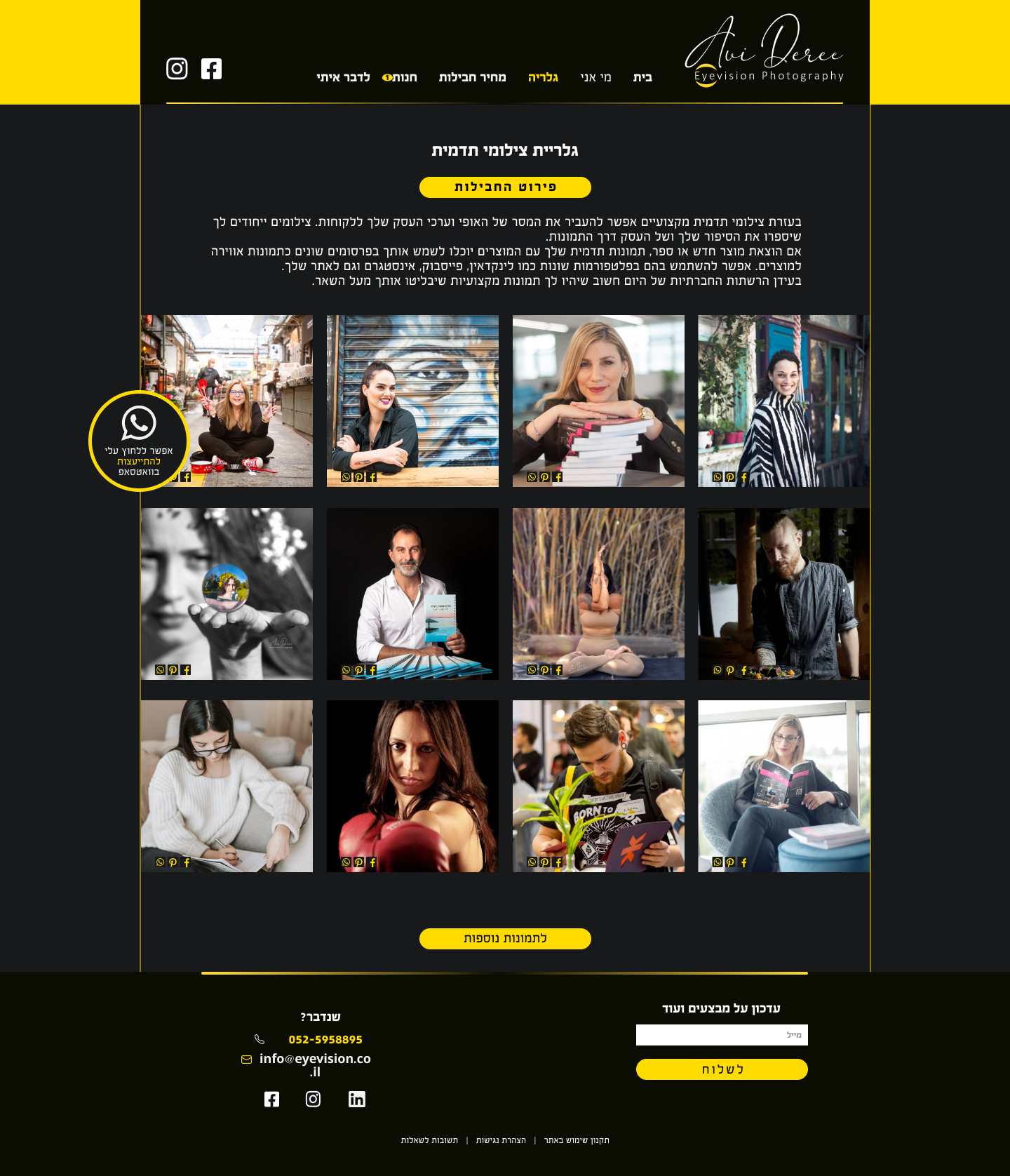
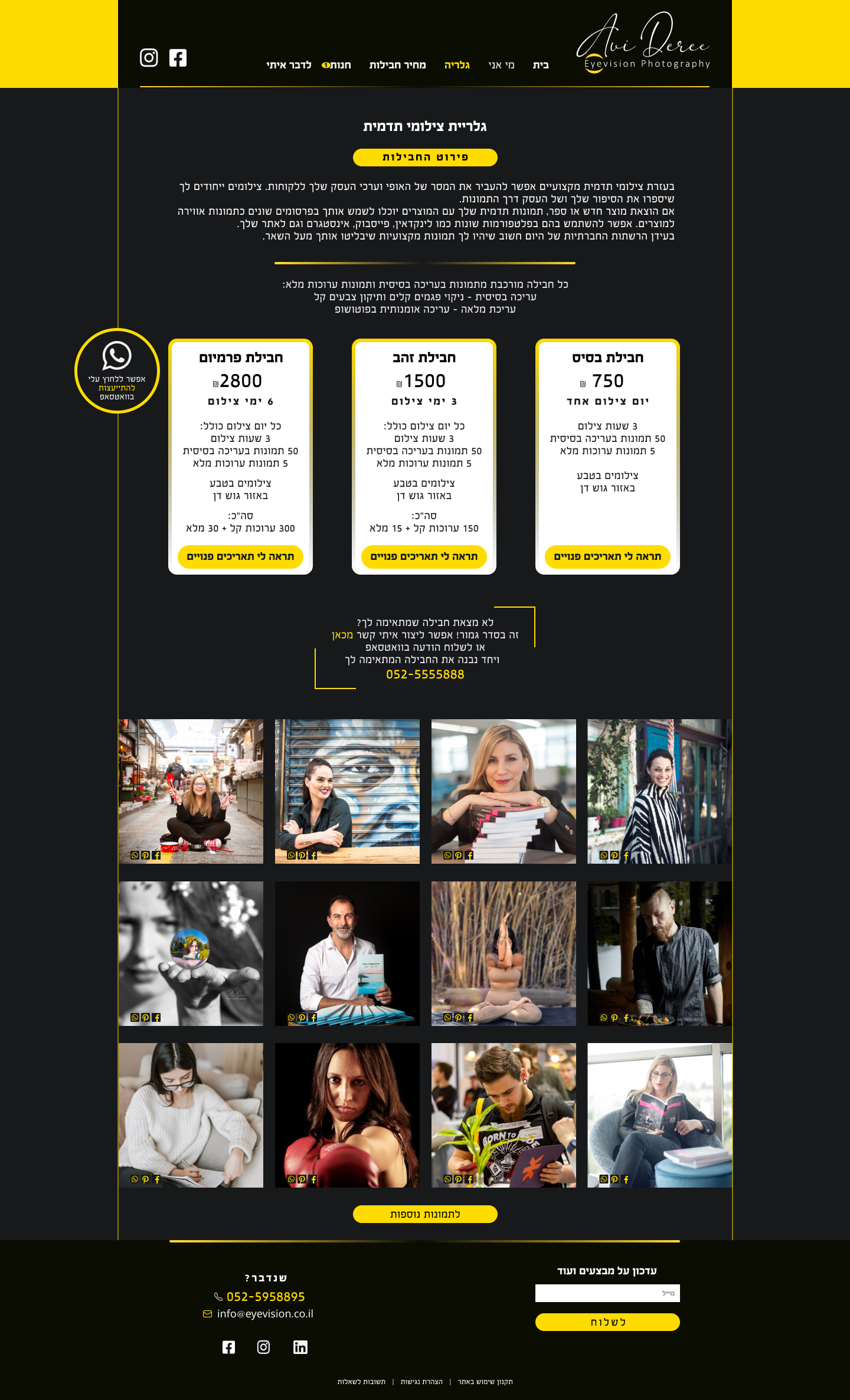
Gallery
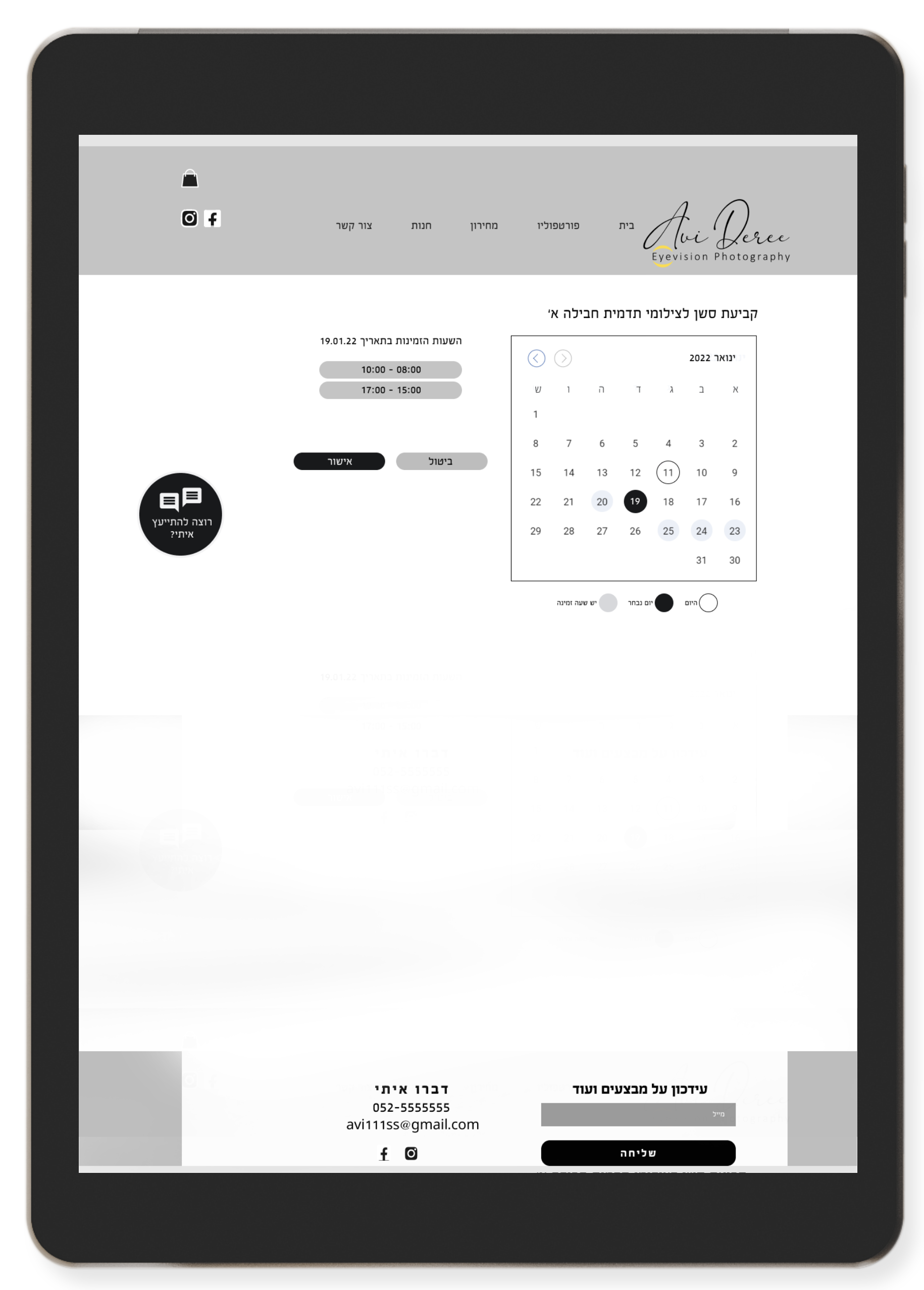
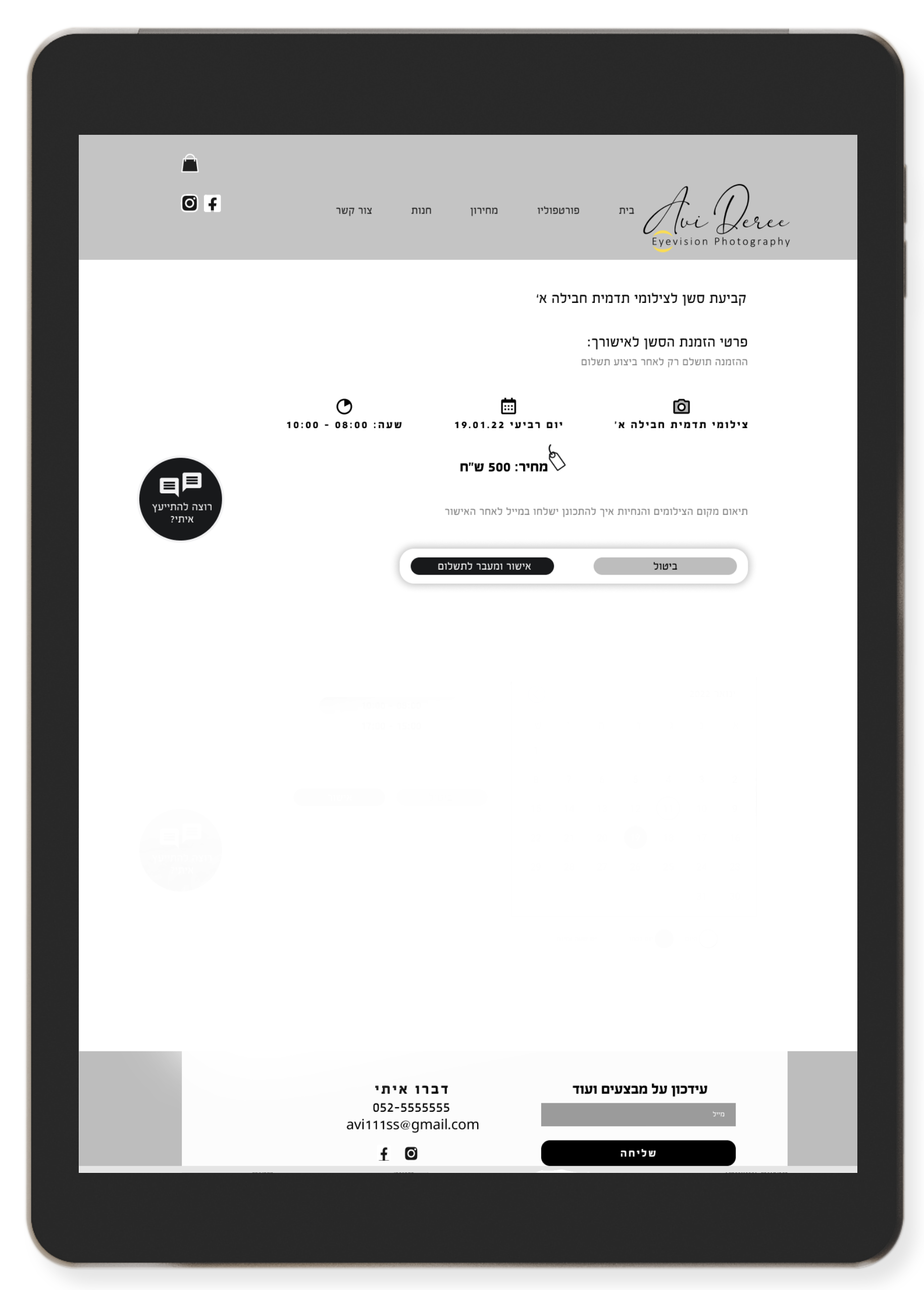
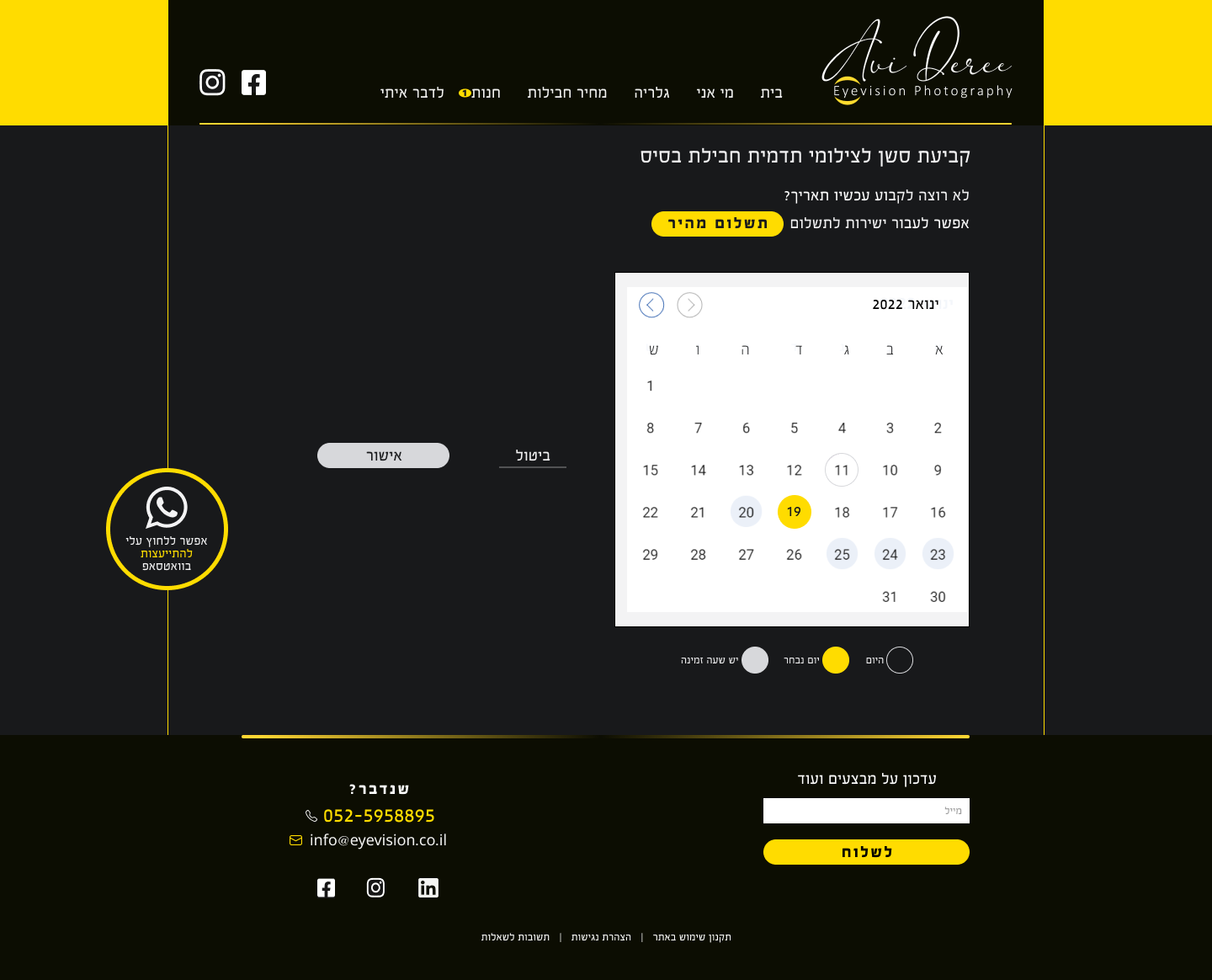
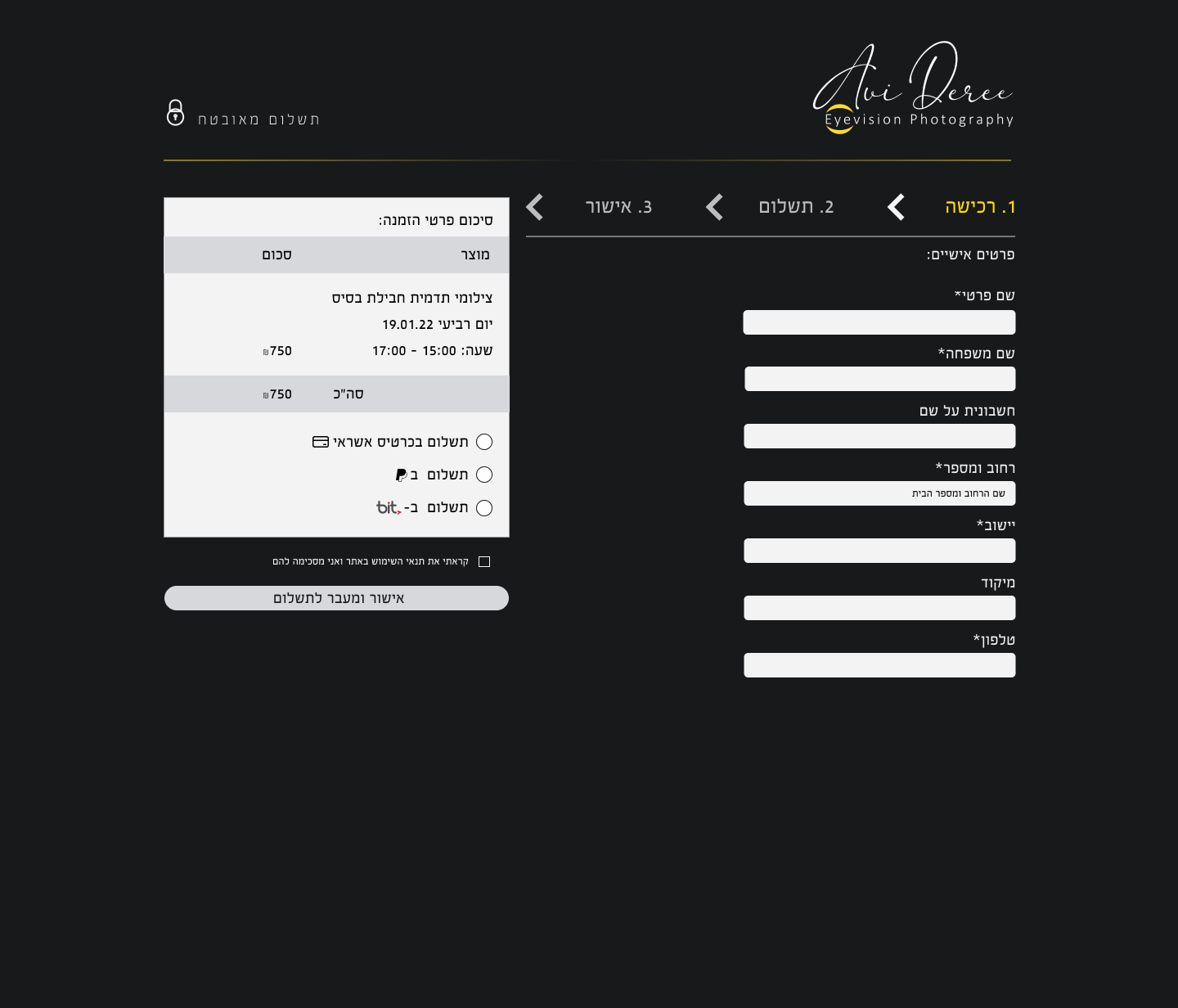
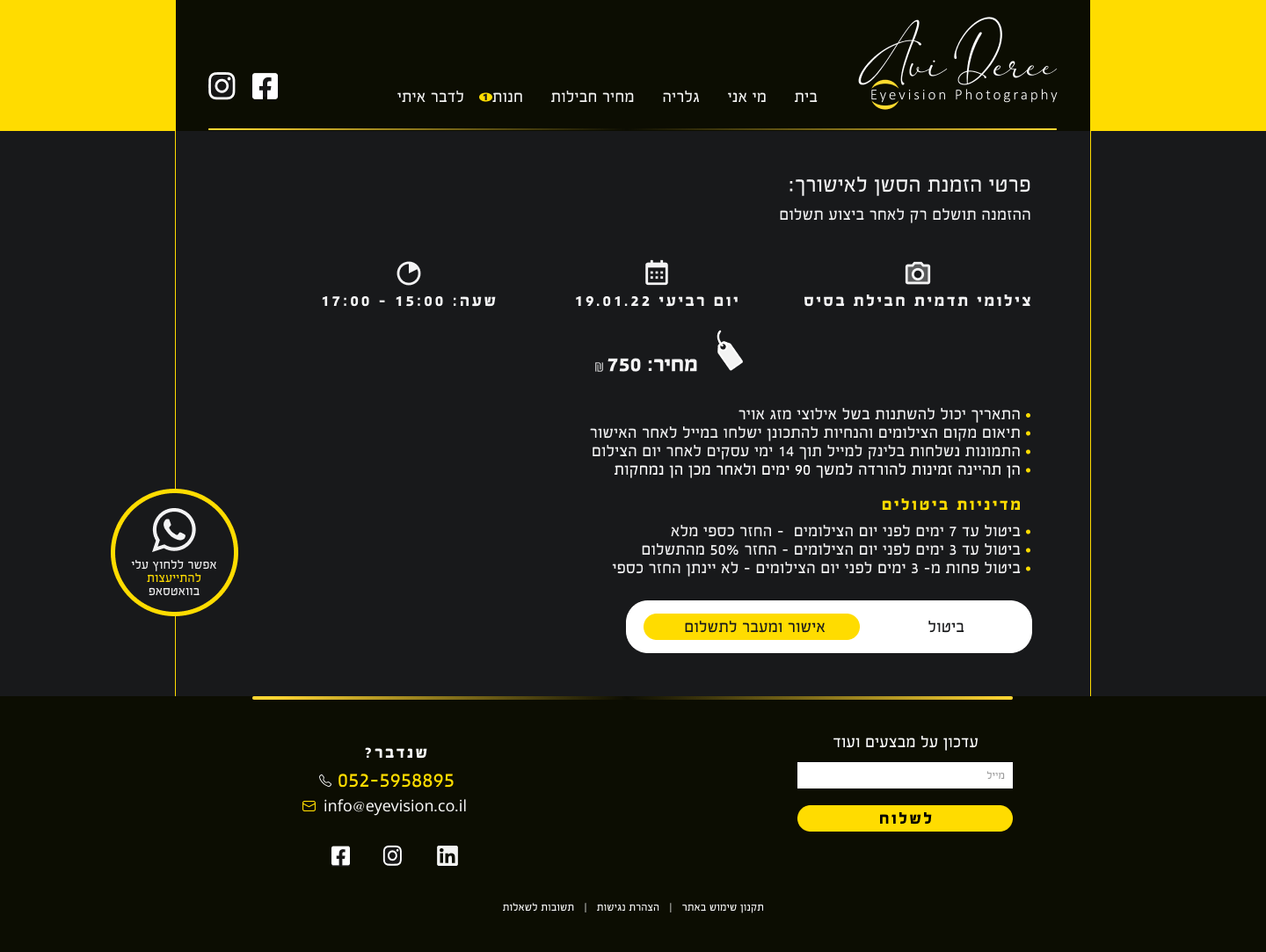
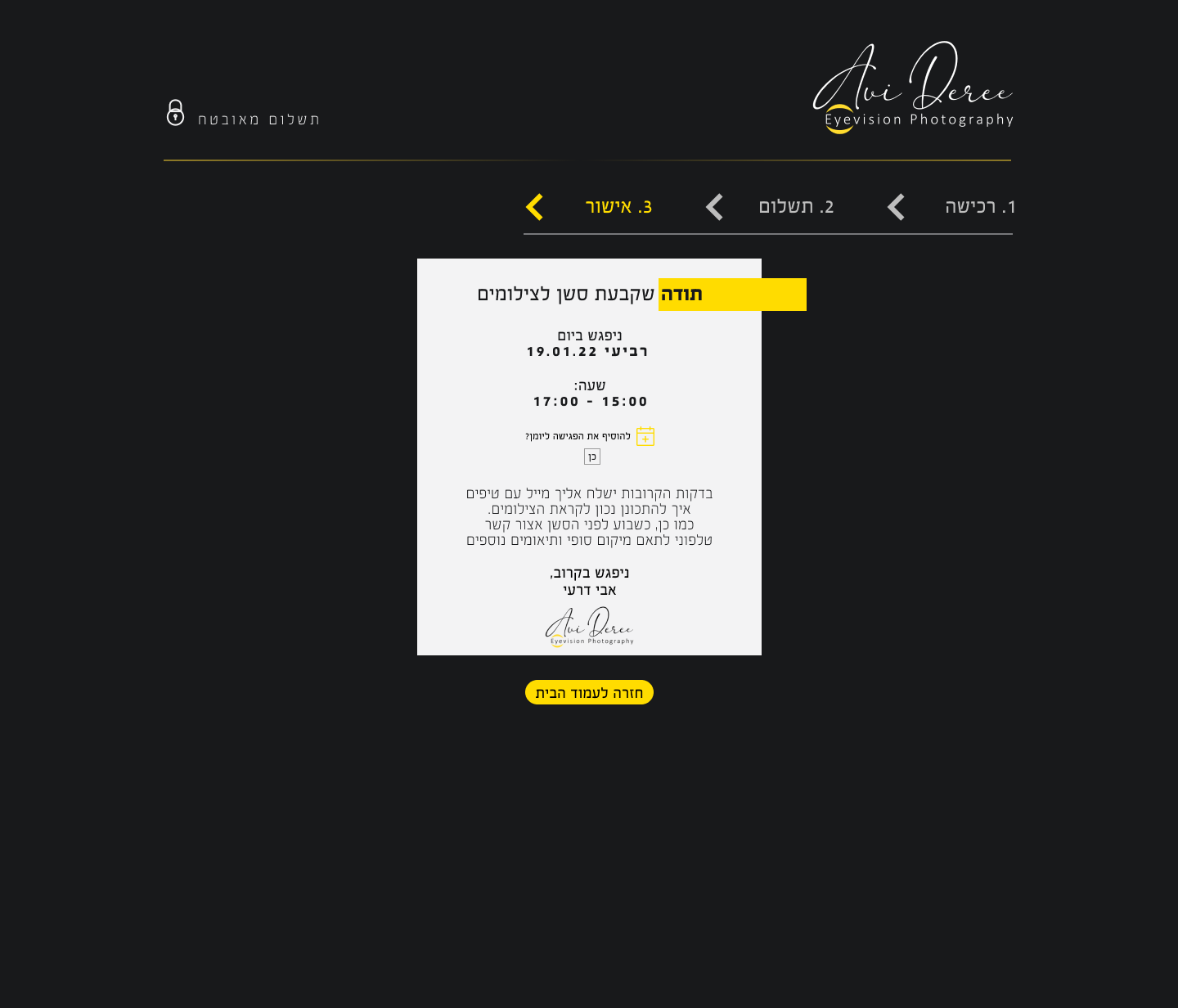
Booking Session & payment